

Download AI Video Enhancer – AI video enhancer, AI photo enhancer, video upscaling, photo restoration, AI tool, free software, desktop application
Overview
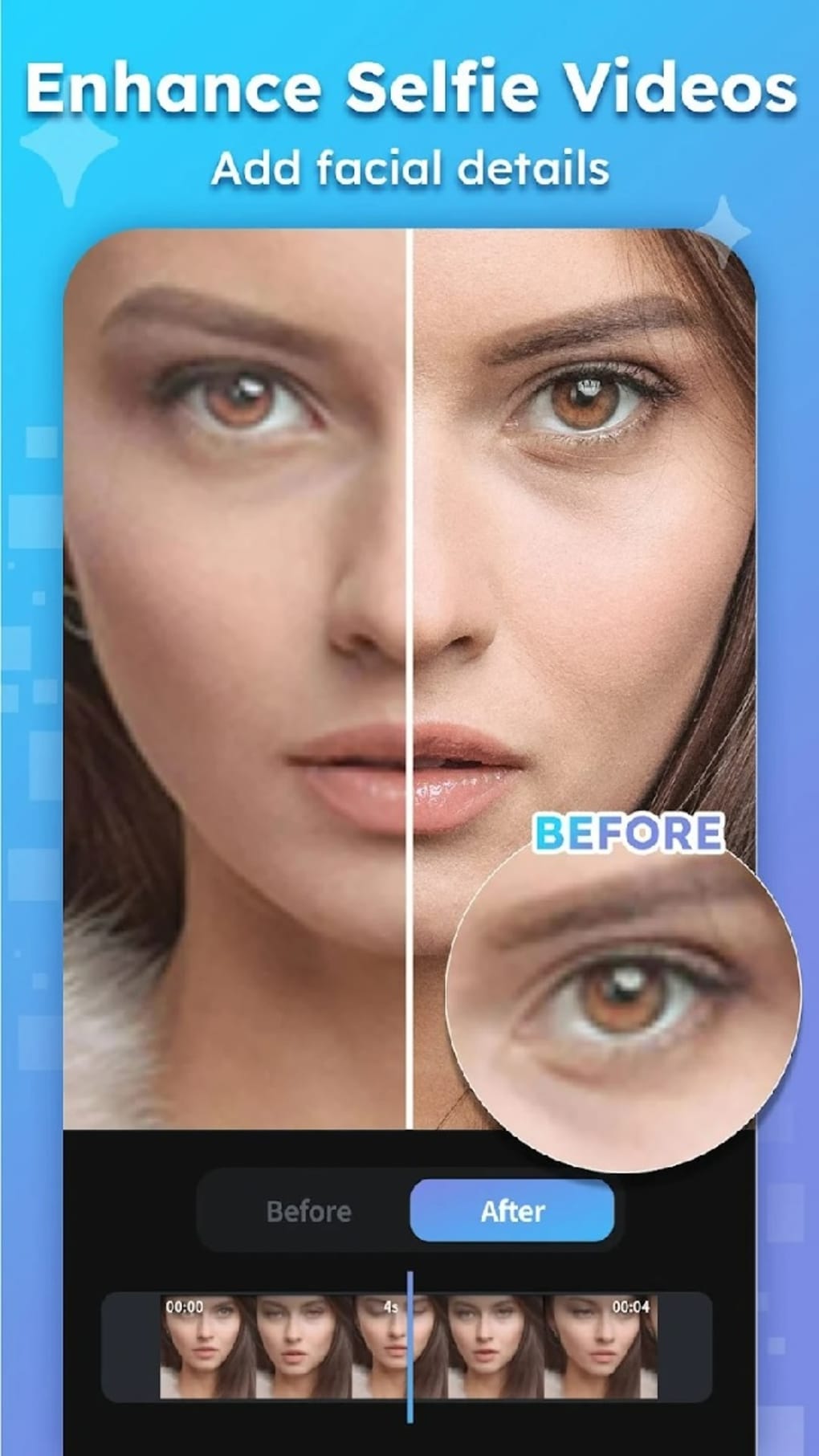
AI Video Enhancer – HiQuality is a free desktop application developed by ryzenrise, designed to simplify the enhancement of both photos and videos through artificial intelligence. The software aims to address the challenges faced by non-professional users who lack expertise in photography or videography but still desire high-quality results. It enables users to restore damaged or low-resolution media, reduce blur, and improve visual clarity using deep machine learning algorithms.
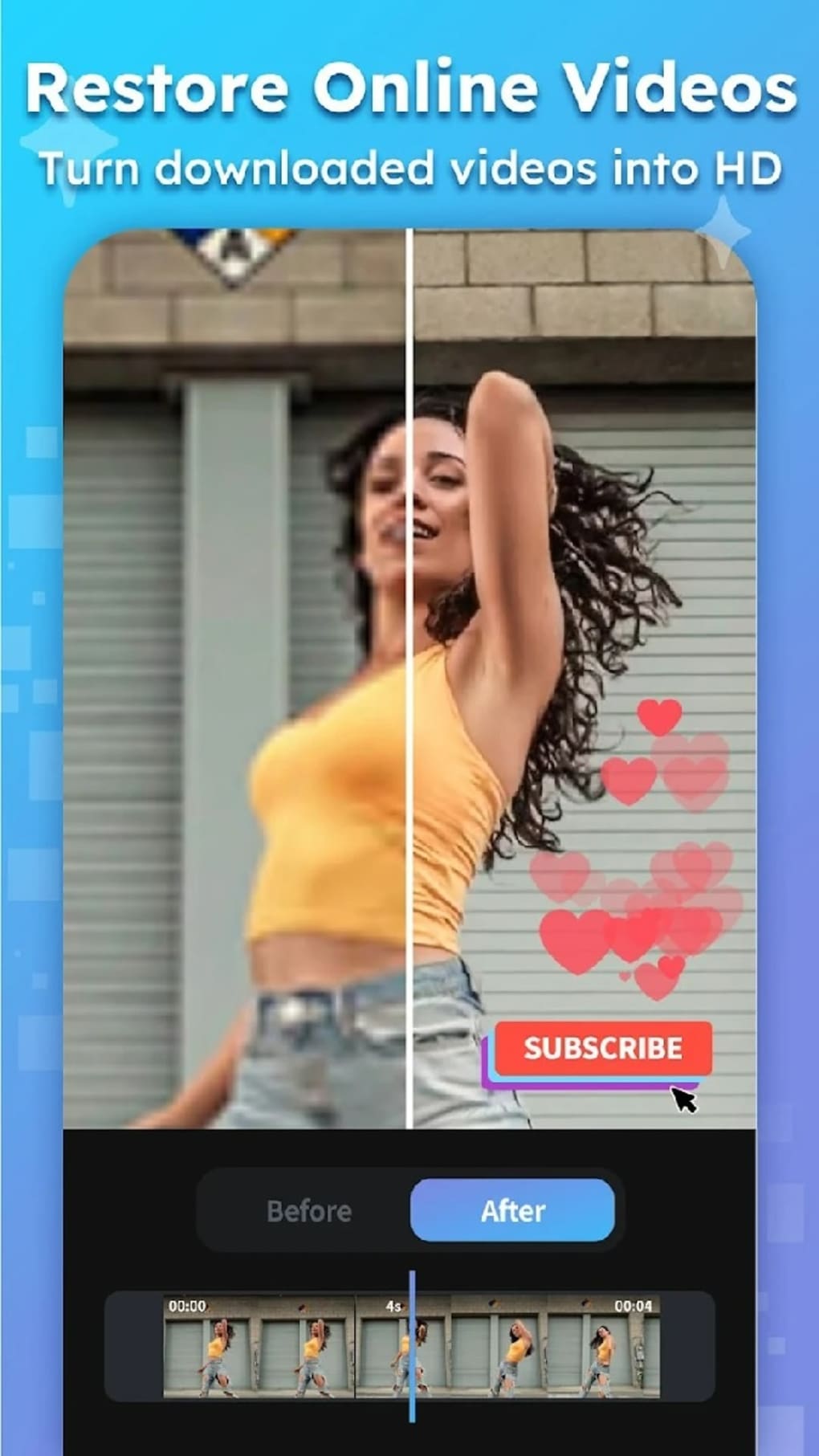
The tool supports multiple file formats and can process content up to 4K resolution, making it suitable for personal and casual creative projects. While primarily marketed as a video enhancement solution, it also handles still images, offering features such as unblurring, repair, and beautification. Real-world use cases include improving the quality of old family videos, enhancing online-downloaded footage, or restoring faded photographs.
The application is intended for individuals seeking quick, accessible editing tools without the complexity of traditional software. The developer did not provide additional information about the company background or prior product history.
Key Features & Capabilities
- AI-Powered Enhancement – Uses deep machine learning to analyze media content and apply optimal enhancement techniques tailored to the input.
- Photo and Video Support – Functions on both still images and video clips, offering unified processing for diverse media types.
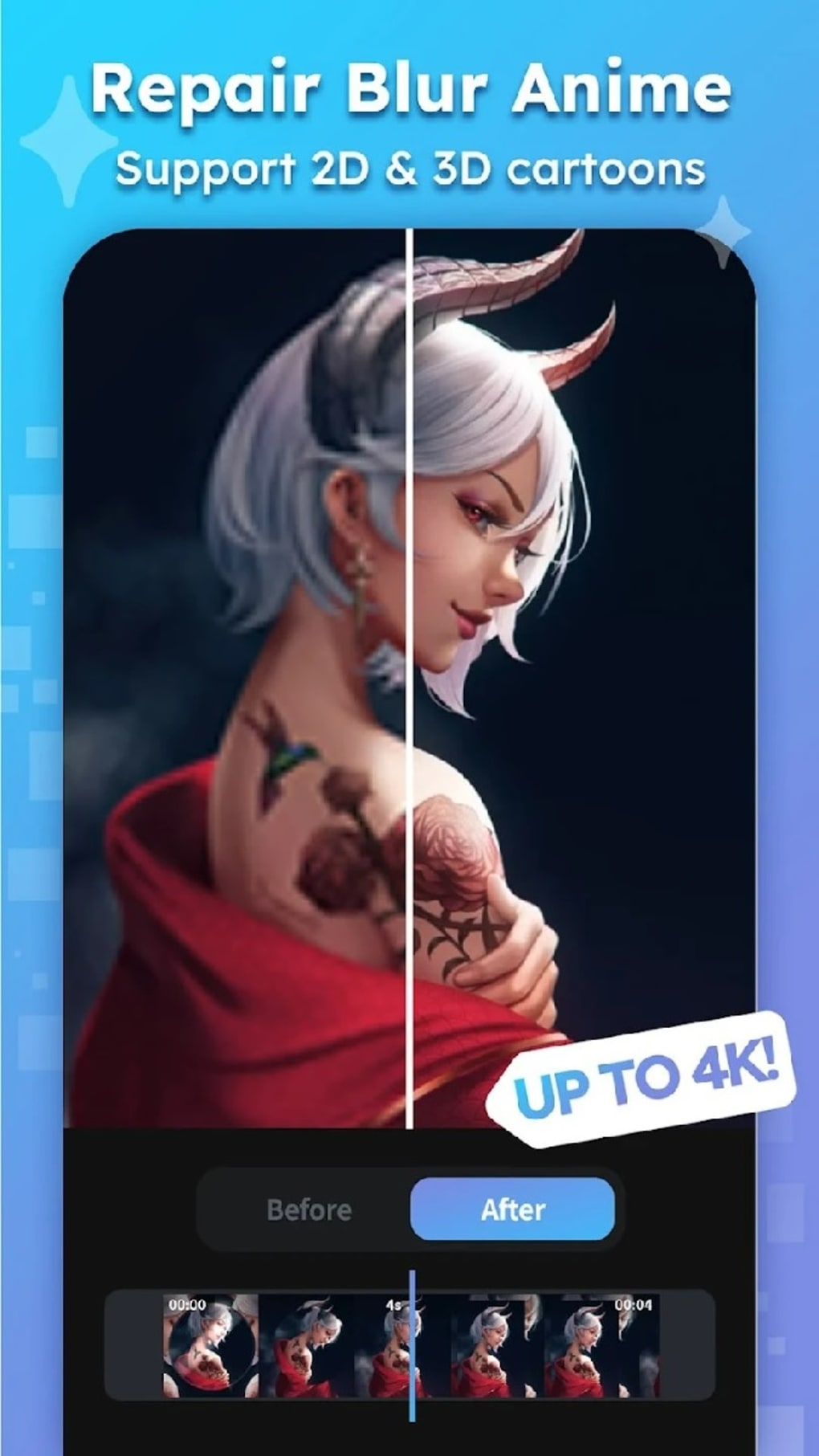
- Blur Reduction and Image Repair – Applies AI algorithms to reduce blur and repair damaged or degraded visual elements.
- Video Upscaling to 4K – Increases resolution of lower-quality videos up to 4K, enhancing clarity and detail.
- Multiple File Format Compatibility – Supports a range of common media formats, allowing broad usability across different sources.
- Automated Beautification and Filters – Applies stylistic enhancements and filters to improve visual appeal with minimal user input.
These features allow users to restore old or low-quality media with minimal effort. For example, a user can upload a blurry home video from a decade ago and apply enhancement to make it clearer and more watchable. Similarly, a faded photograph can be repaired and sharpened using the AI-driven restoration tools. The software’s automation reduces the need for manual adjustments, making it accessible to beginners. However, the effectiveness of these features may vary depending on the original media quality and the complexity of the degradation.
User Interface, Workflow & Performance
The user interface of AI Video Enhancer – HiQuality appears designed for simplicity, prioritizing ease of use over advanced customization. Navigation is likely structured around a central dashboard where users can import media, select enhancement modes, and preview results. The workflow is expected to be linear: import → choose settings → process → export.
This streamlined approach supports quick turnaround times, which is ideal for casual users. The application does not specify performance metrics such as CPU or RAM usage, so exact resource behavior remains unclear. The developer did not provide additional system requirements.
Performance observations are based on general software behavior patterns. Stability during processing is not explicitly confirmed, but the application’s lightweight size of 256 MB suggests it may operate efficiently on mid-range systems. However, processing high-resolution or lengthy video files may still place demands on system resources.
Compatibility & System Requirements
AI Video Enhancer – HiQuality is available for both Windows and Mac operating systems, making it accessible to a broad user base. The software is version 1.2.3 and has a file size of 256 MB. The developer did not specify exact system requirements, including minimum processor speed, RAM, or GPU capabilities.
Compatibility information was partially provided. Users are advised to ensure their system meets standard requirements for running desktop applications. The application’s ability to process up to 4K resolution media implies it may require a capable graphics processor, though this is not confirmed.
For optimal performance, users should consider running the software on systems with modern hardware and up-to-date OS versions.
Pros and Cons
Pros
- Free to download and use with no cost barrier.
- Supports both photos and videos with AI-enhanced processing.
- Offers video upscaling up to 4K resolution.
- Designed for ease of use, suitable for beginners.
- Multiple file format support increases versatility.
Cons
- Results are inconsistent and sometimes overprocessed.
- Exact performance and system requirements were not specified.
- Limited control over enhancement parameters.
- Output quality varies significantly between files.
- No information on update frequency or long-term support.
Is AI Video Enhancer compatible with Windows and Mac?
Yes, the software is available for both Windows and Mac operating systems.
Is the software safe to download and use?
The application is described as a free desktop tool. It is recommended to download from official sources to ensure authenticity and avoid potential risks.
Does AI Video Enhancer require an internet connection?
The software functions as a desktop application, suggesting it can operate offline. However, specific details about online dependencies were not provided.
Can I use AI Video Enhancer for free?
Yes, the software is currently offered as free software with no cost for download or use.
How often is the software updated?
The release date is 2024-07-15, but update frequency was not specified by the developer.
Final Thoughts + CTA
AI Video Enhancer – HiQuality presents a compelling option for users seeking a simple, AI-driven tool to enhance photos and videos without technical expertise. Its ability to upscale videos to 4K and restore degraded media makes it valuable for personal archiving and content revitalization. While the results can be inconsistent, the software’s free nature and broad compatibility make it worth trying.
It is particularly beneficial for beginners or casual users who need quick improvements without learning complex editing workflows. Despite its limitations in output predictability and lack of detailed specifications, the tool delivers on its core promise: accessible enhancement through artificial intelligence. For those exploring AI-powered media tools, this application offers a low-risk entry point.
Download AI Video Enhancer now.





.png)

